 Fresh Spaces, Happy Faces
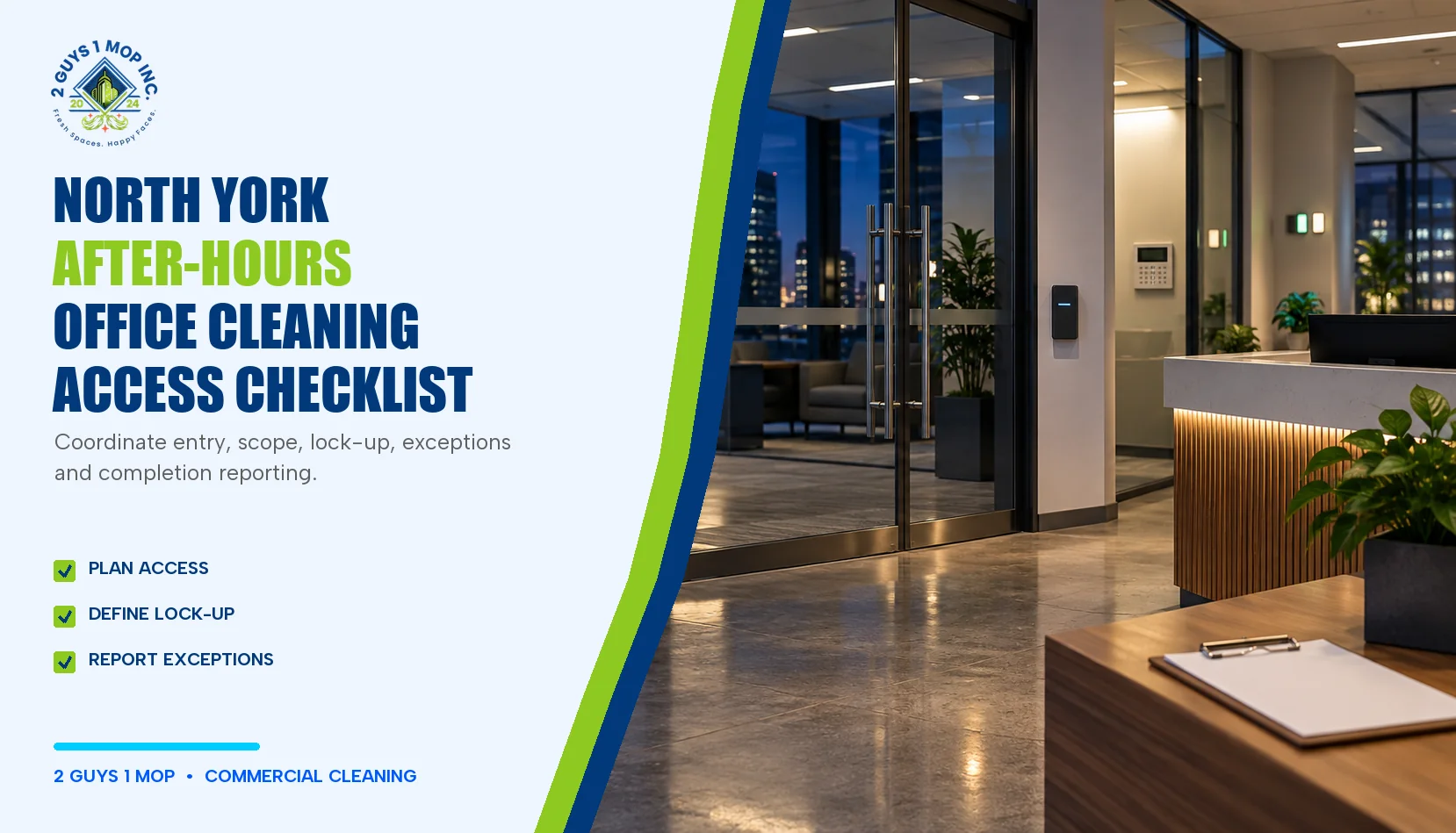
After-hours office cleaning in North York works best when access, scope, security steps and reporting are agreed before the first visit. The useful plan is not a public list of keys or alarm codes. It is a controlled handoff that tells the office contact and cleaning team what should happen, who owns each decision and how exceptions will be reported.
Start with the cleaning window
Write down the earliest entry time, the latest finish time and any evenings when employees, contractors or events may still occupy the space. Note whether the cleaner must wait for a security desk, share an elevator, use a loading area or avoid a room during a meeting. A schedule should also say what happens when the office is unexpectedly occupied.
Frequency is a separate decision. Use the daily-versus-weekly office cleaning guide to match tasks to traffic and use; then place those tasks inside the agreed after-hours window.
Record access without exposing credentials
The operating plan can name the access method without publishing the credential itself. For example, record that an authorized fob is required, where it is issued, who may receive it and whom to call if it fails. Store actual codes and sensitive instructions only through the building’s approved secure process.
- Entry door and permitted route through the building
- Fob, key or sign-in process and authorized custodian
- Security-desk hours and required identification
- Parking, loading and elevator restrictions
- Accessible entrances and any door that must never be propped open
- Contact path for failed entry, lockout or an unexpected occupant
Separate included, excluded and sensitive areas
A room list is clearer than “clean the office.” Mark each zone as included, excluded or conditional. An included reception area might have routine floor and surface tasks. A server room may be excluded. A private office may be cleaned only when the door is open or a status marker is displayed.
For a full room-by-room inventory, start with the office cleaning checklist. Sensitive documents, personal items, electronics, artwork, plants and specialty finishes need specific boundaries. If an item is not part of the agreed scope, the instruction should be to leave it in place and report the obstruction—not improvise.
Use a first-visit access checklist
| Item | What to confirm | Exception response |
|---|---|---|
| Arrival | Permitted entrance, arrival window, sign-in and contact | Do not enter by an unapproved route |
| Access device | Authorized custodian, return method and failed-device contact | Report failed access; never share credentials |
| Occupied rooms | Whether work may continue, pause or move to another zone | Record skipped room and reason |
| Sensitive areas | Included, excluded or conditional status | Stop and ask when the status is unclear |
| Closeout | Lights, internal doors, exterior doors, waste route and sign-out | Escalate any door, alarm or building issue |
| Completion | Required checklist or message and recipient | Report incomplete work before leaving when possible |
Define lock-up and exception handling
Lock-up instructions should cover only authorized actions: which lights are normally switched off, which interior doors remain open or closed, where ordinary waste goes and how the last authorized person signs out. Alarm or building-automation actions must follow the property manager’s controlled procedure. Do not place real codes in a general scope document.
The plan should distinguish a cleaning exception from a building or safety issue. A blocked desk may simply be logged for the next visit. A damaged lock, unknown spill, sharp object or security concern should trigger a stop-and-escalate response. Canadian Centre for Occupational Health and Safety guidance tells cleaning staff to follow workplace procedures, review product labels and safety data where available, and report spills and incidents to a supervisor.
Assign responsibilities before work starts
| Responsibility | Office or property contact | Cleaning provider |
|---|---|---|
| Access authorization | Approves people, route, device and hours | Uses only the approved route and reports failure |
| Scope | Identifies included, excluded and sensitive zones | Performs the agreed tasks and records exceptions |
| Building instructions | Provides current lock-up, waste and emergency contacts | Follows the current controlled instructions |
| Changes | Approves room, task or schedule changes | Does not expand the scope without approval |
| Review | Reviews reports and recurring access problems | Supplies completion and exception information |
Make completion reporting useful
A completion record does not need to be elaborate. It should identify the date, cleaning window, completed zones, skipped zones, reason for each exception and any follow-up owner. Avoid placing personal, security or access information in an ordinary cleaning log.
Repeated exceptions are signals. If one room is regularly occupied, move its cleaning window. If access fails twice, review the handoff instead of treating both visits as isolated misses. If the requested work changes, document it using the change process in the commercial cleaning contract checklist.
When to revisit the plan
Review the after-hours plan after the first visit, after an access or lock-up problem, when the office layout changes, when a tenant or security procedure changes, and when cleaning frequency changes. The goal is a current operating handoff, not a document that sits unchanged while the building evolves.
To discuss an office-specific scope, review office cleaning in North York and request a site walkthrough. Access details should be exchanged through the building’s approved process, not through a public page.
Source note
Safety boundaries were checked against CCOHS guidance for cleaning staff. The access, responsibility and reporting tables are editorial planning tools, not building-security instructions.